Product Description


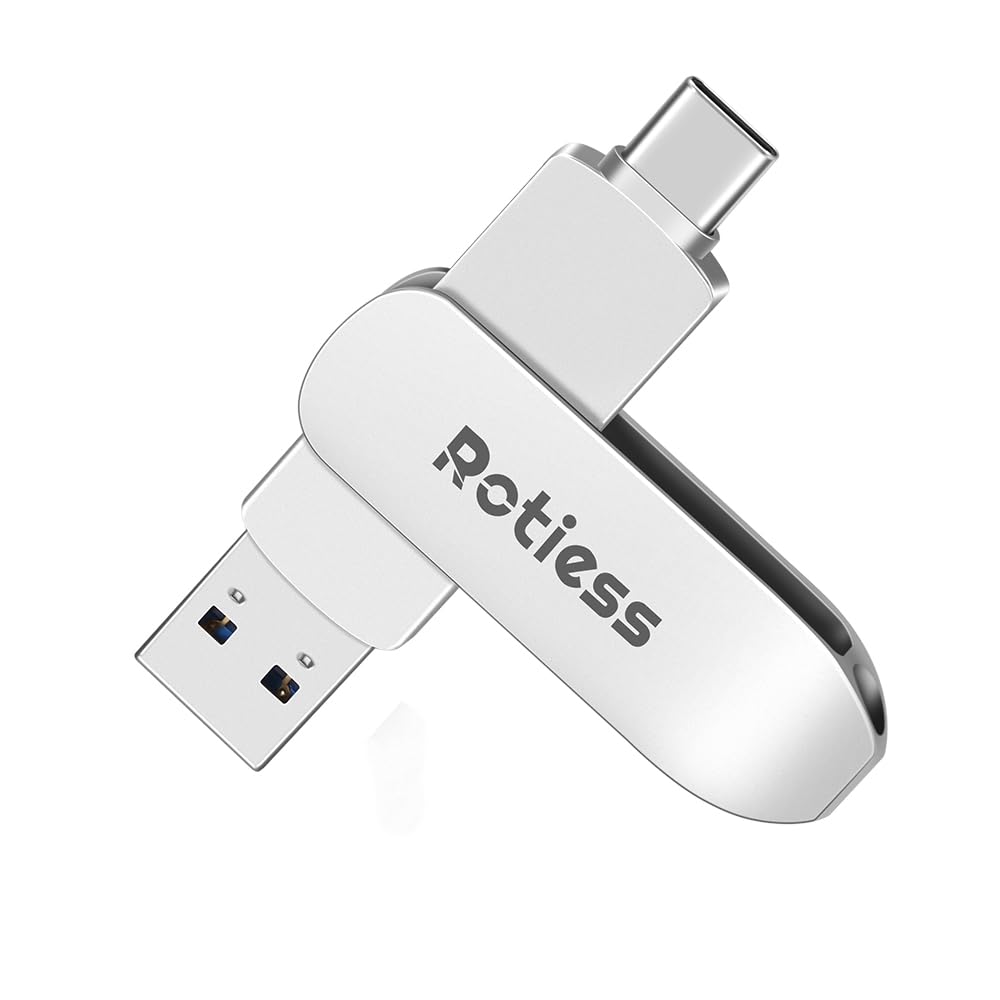
Ultimate Type-C Pendrive for India (2-in-1 Design)
*Now transfer movies/music between JioPhone/Android(with type C port) & laptop in 1 second!
3X Faster than Normal Pendrives
• Transfer 3GB movie in just 15 sec* *(USB 3.1 speeds)
• Perfect for college projects/office work/WhatsApp backups
• Works with Samsung Galaxy/JioPhone/Redmi/iQOO/Windows/Mac
Every Indian’s Smart Choice
✓ No Internet Needed (Save mobile data!)
✓ No App Installation (Plug & Play)
✓ Dual Ports: Type-C (Phone) + Type-A (Laptop/PC)
High-speed transmission

Seamless Type-C USB Drive Easily transfer files between USB-C smartphones/tablets and USB-A computers—no software installation required.
The usable storage capacity of this USB pen drive is lower than the advertised size due to formatting and system overhead.
Why available space is less:
A portion of the drive is reserved for formatting and management functions.Manufacturers measure capacity in decimal (1GB = 1,000,000,000 bytes), while computers use binary (1GB = 1,073,741,824 bytes). This difference results in reduced visible storage.
Default Format: exFAT — supports files larger than 4GB.
If your device doesn’t recognize the drive, try reformatting it to FAT32 or NTFS using a Windows PC or tools like DiskGenius. Note: Some media devices (TVs, car stereos, etc.) may only work with FAT32.
Safely Remove: Always eject the USB drive using the “Safely Remove Hardware” option before unplugging to avoid data corruption.

Compact & Convenient – Take your files wherever you need them!
Watching movies on the goSharing memories anywhereExpanding storage for your devices

Plug and Play
Versatile Type-C USB Drive
Store and transfer your music, videos, photos, and files effortlessly between smartphones, tablets, and other USB Type-C devices.

Durable Zinc Alloy USB Drive – Shockproof & Long-Lasting Type-C Pendrive for Android, Laptop, PC.


1. Plug into phone. If your phone case thickness is over 2mm, we advise remove phone case before do it. 2. Go to File Manager, you will find “SMI USB Drive” or OTG. You’re looking at Flash drive storage. Make sure turn on OTG function in the setting, some phone need to turn on it manually. 3. Go to Categories, pick your files, photos, video to transfer.(Please note it can not move folders). 4. After selected your photos, videos, you’ll see a “Bar” pop up at the bottom, click Copy or Move. 5. Backtrack to “USB Storage”, you’ll then pick the “Move Here” or “Paste” option and you’ll see your files being transferred over. 6. You can create new “Folder” in the USB Storage. 7. When remove this flash drive, please click ” Safe Eject” on “Unmount” in the notification bar, do not plug off it directly. 8. Please note different phone model operate steps somewhat a little difference.
【128GB Massive Storage + High-Speed Transfer】Store movies, music, and photos effortlessly with 128GB capacity. Features fast read/write speeds for quick file transfers.
【Dual-Port Design, Compatible with All Devices】Equipped with both Type-C and USB 3.0 ports, no adapter needed—directly connect to phones, tablets, laptops, and desktops. Supports OTG for seamless file transfers anytime, anywhere.
【Plug-and-Play】✧Make sure smartphone is type C port and support OTG✧✧Make sure turn on OTG before use.There is no need to install any software to transfer files or Sync to any of your devices.Transfer freely all devices between USB A and USB C ports.
【Factory Format】128GB factory format is exFAT, if your device wouldn’t recognize it, please try to reformat it with FAT32 or NTFS. Most multimedia devices TVs, car audio systems only support FAT32.
【Durable Metal Body, Shockproof】Premium metal casing for drop resistance and durability to protects your data, making it ideal for daily use and outdoor activities. Any questions, please contact us anytime. Email is supported. Backed by 24-month warranty.






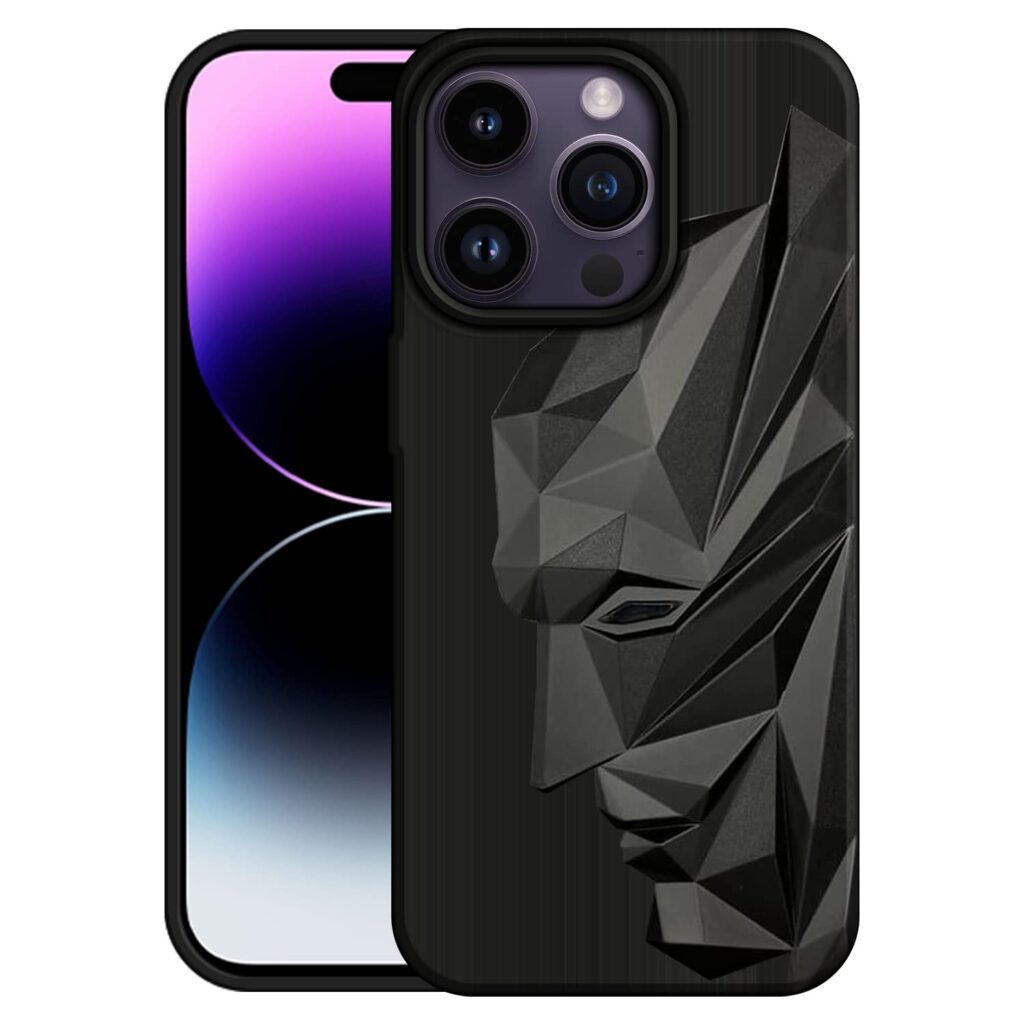
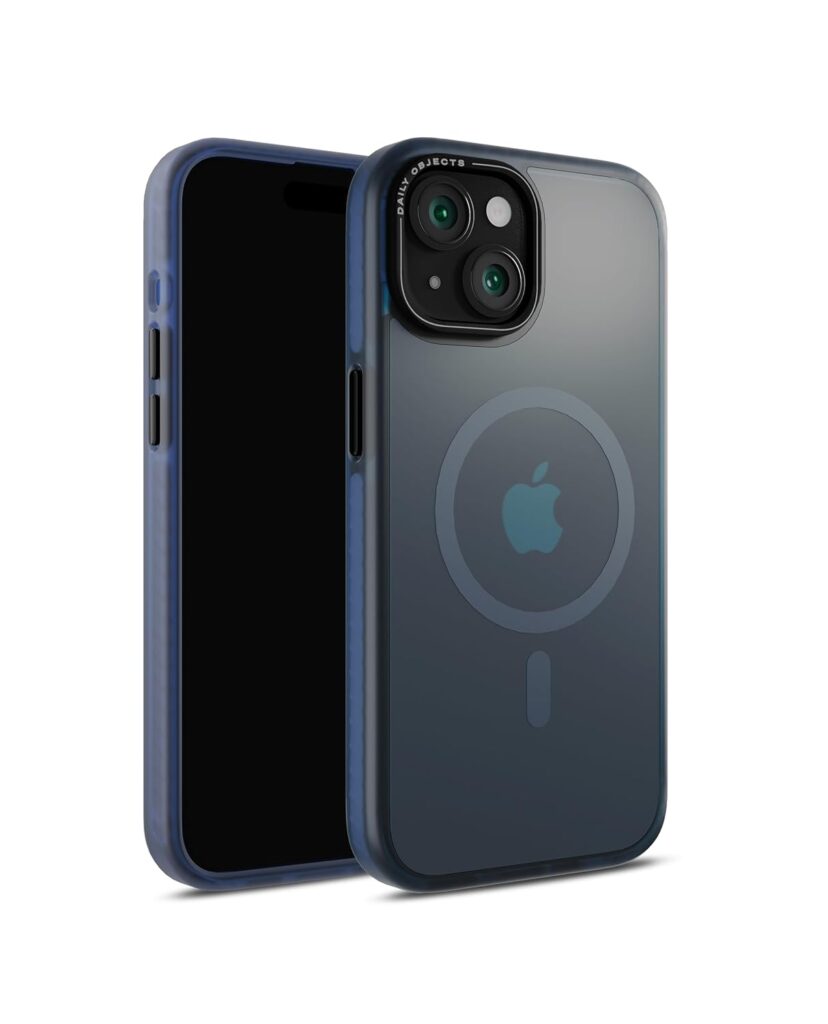
![CloudValley Magnetic Case for iPhone 14 Pro Max Case with Slide Camera Cover, [Compatible with MagSafe] Shockproof TPU Bumper Protective Slim Case 6.7 inch 2022 - Black](https://trendncart.com/wp-content/uploads/2025/10/CloudValley-Magnetic-Case-for-iPhone-14-Pro-Max-Case-with-1024x1024.jpg)





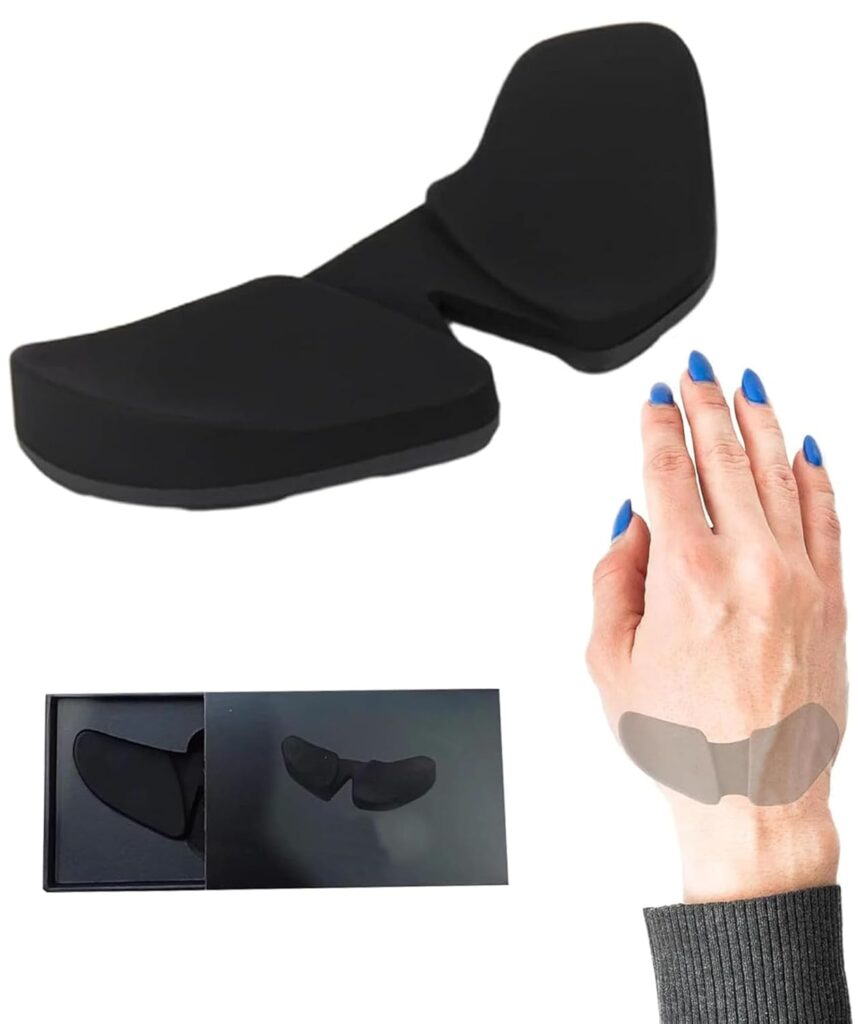
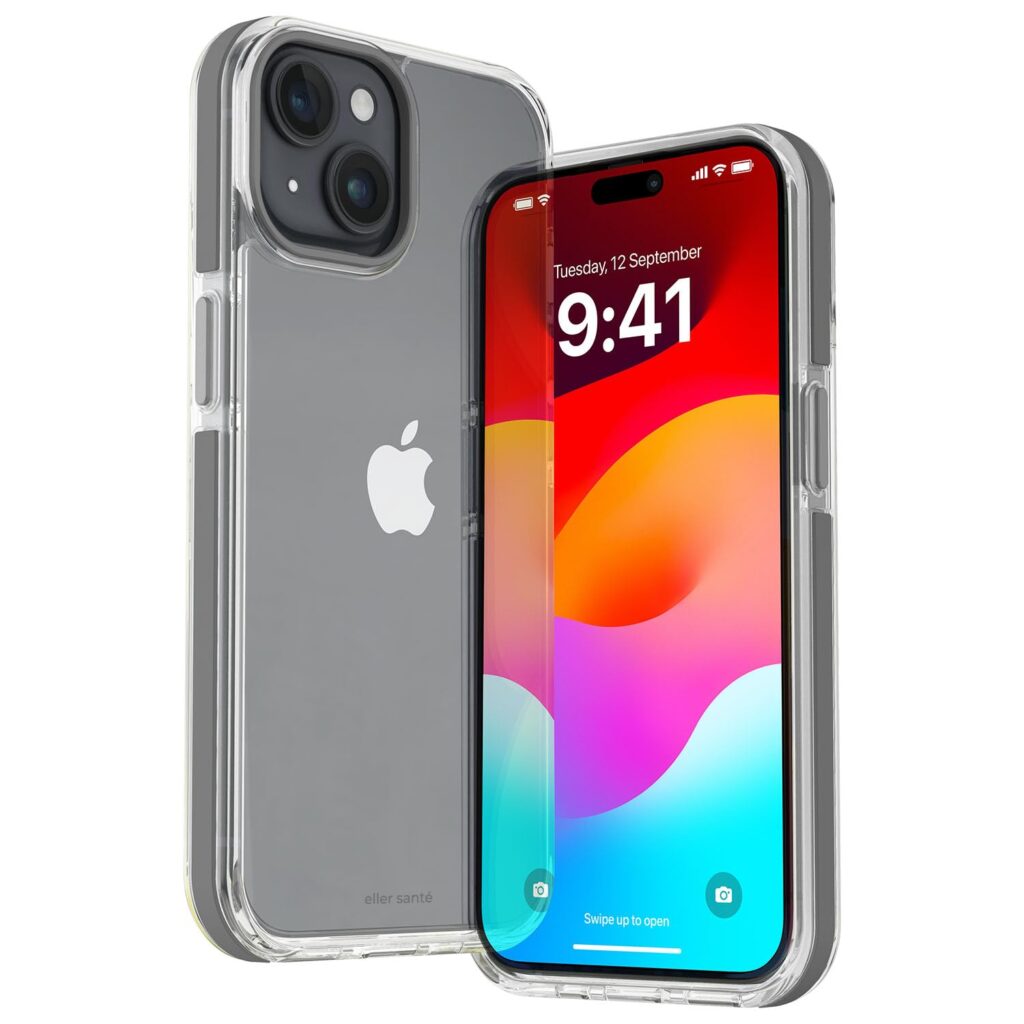






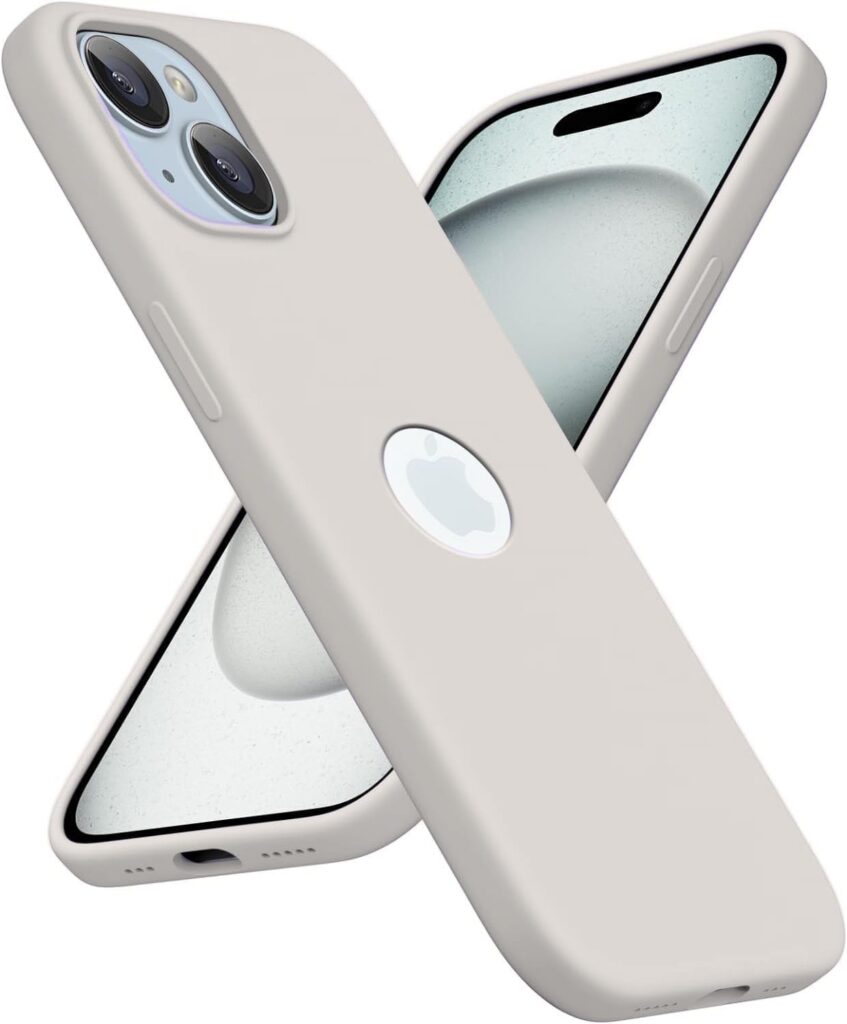



![Apurb Store for iPhone 15 Plus| Compatible with Magsafe[ Case Clear Anti-Yellowing][Military-Grade Protection] Shockproof Slim Phone Sleeve for iPhone 15 Plus (White)](https://trendncart.com/wp-content/uploads/2025/10/Apurb-Store-for-iPhone-15-Plus-Compatible-with-Magsafe-Case.jpg)




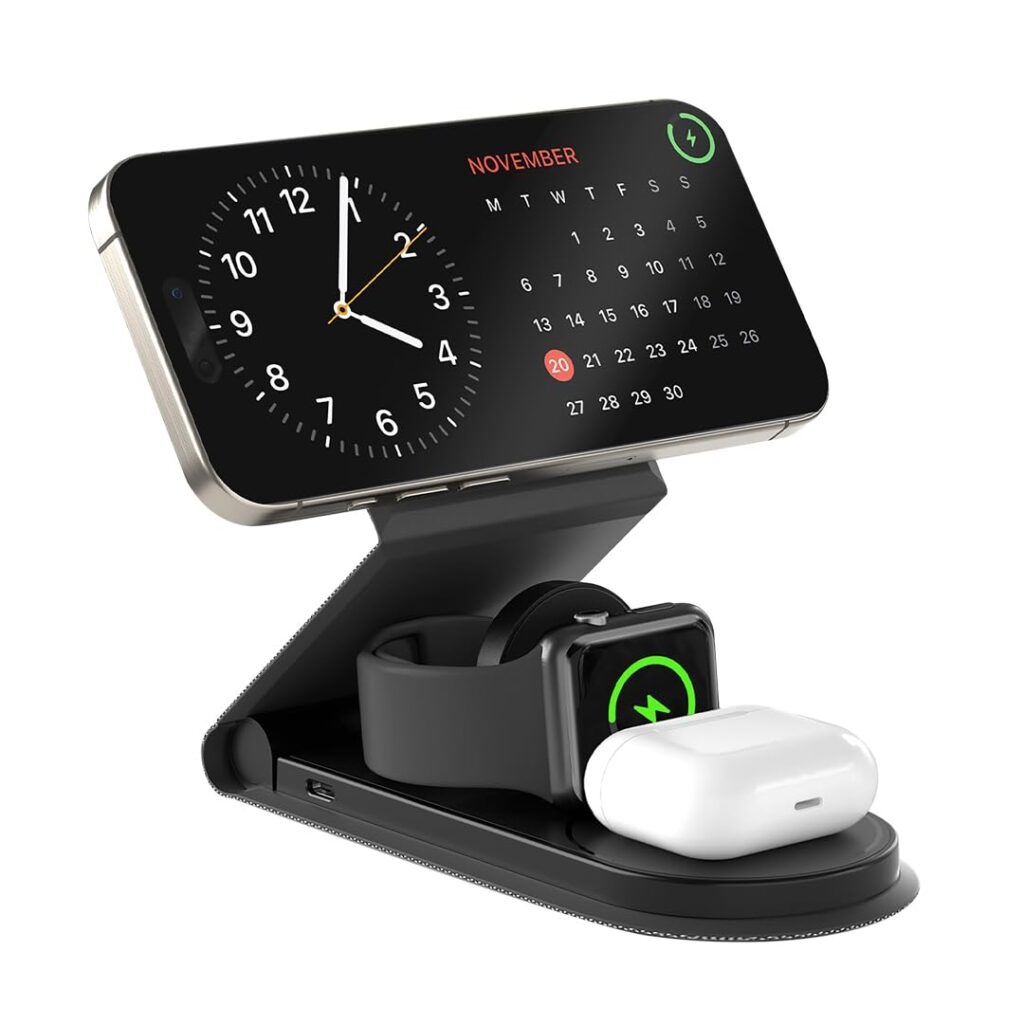
![UNIGEN® Magtec 330 Wireless Charging [with Adapter] 3 in 1 Magsafe Charger for Apple iPhone 17/16/16 Plus/16 Pro/16 Pro Max,15/15 Pro/15 Pro Max,14/13/12, AirPods 3rd/2nd, Series 9/8/7/6/5/4/SE-White](https://trendncart.com/wp-content/uploads/2025/10/UNIGEN®-Magtec-330-Wireless-Charging-with-Adapter-3-in-1.jpg)